
Eyes Protector

SAFER
Mac
animation*
The system monitors the environment.

ready for MacBooka.

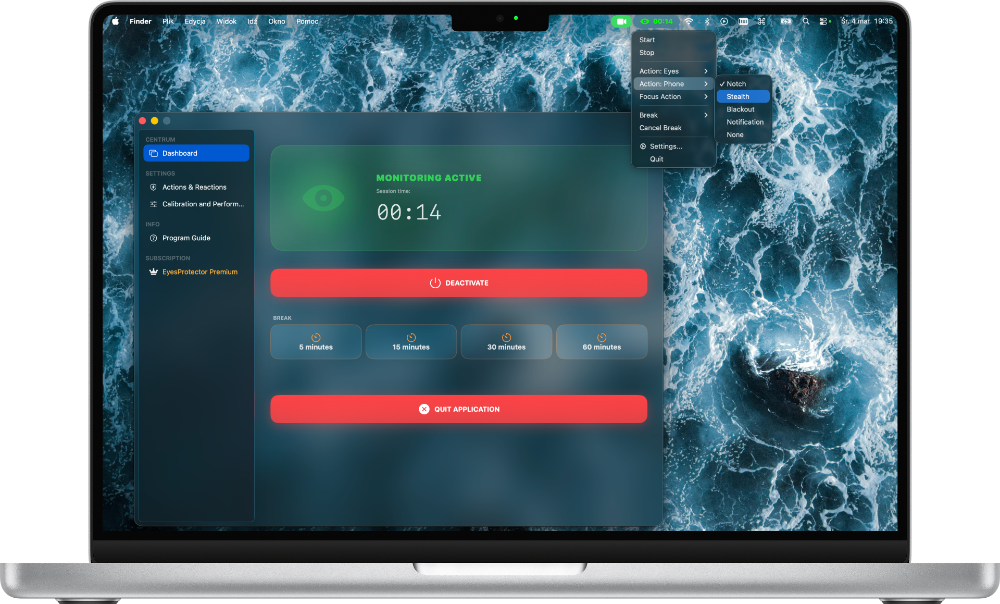
EyesProtector is designed to integrate seamlessly with macOS, leveraging the full potential of the Neural Engine in the M series processors.

download from appstore
MacBook Pro
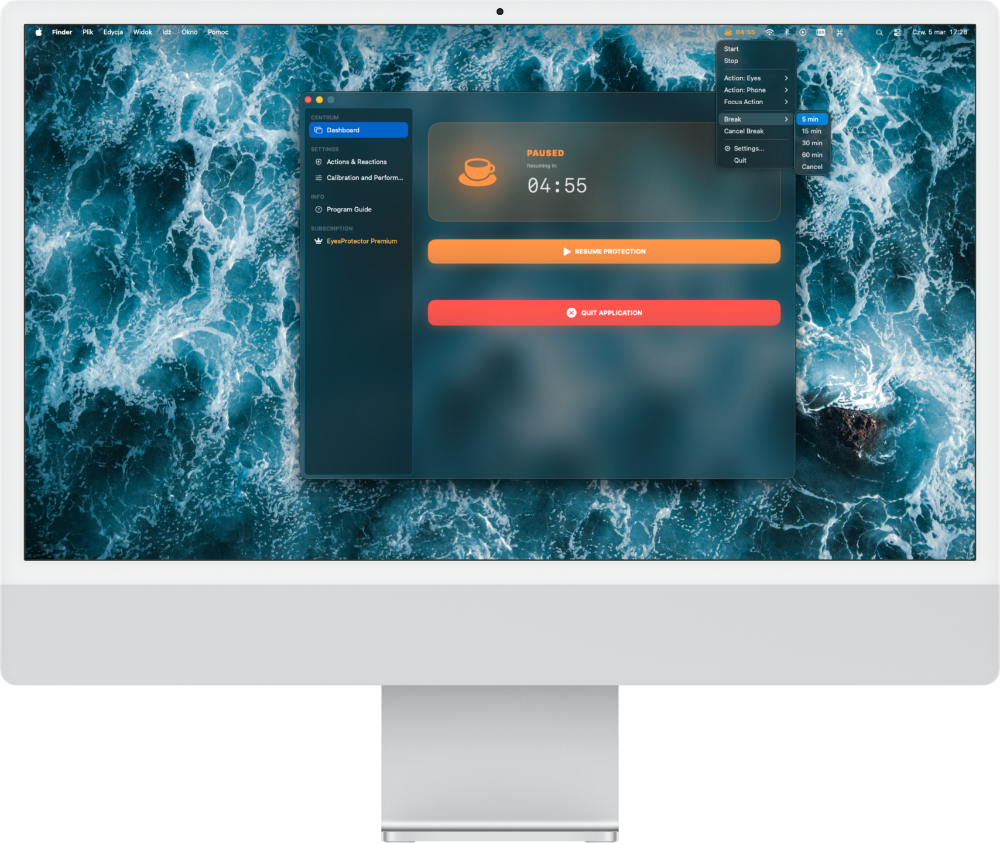
iMac

Protection everywhere.

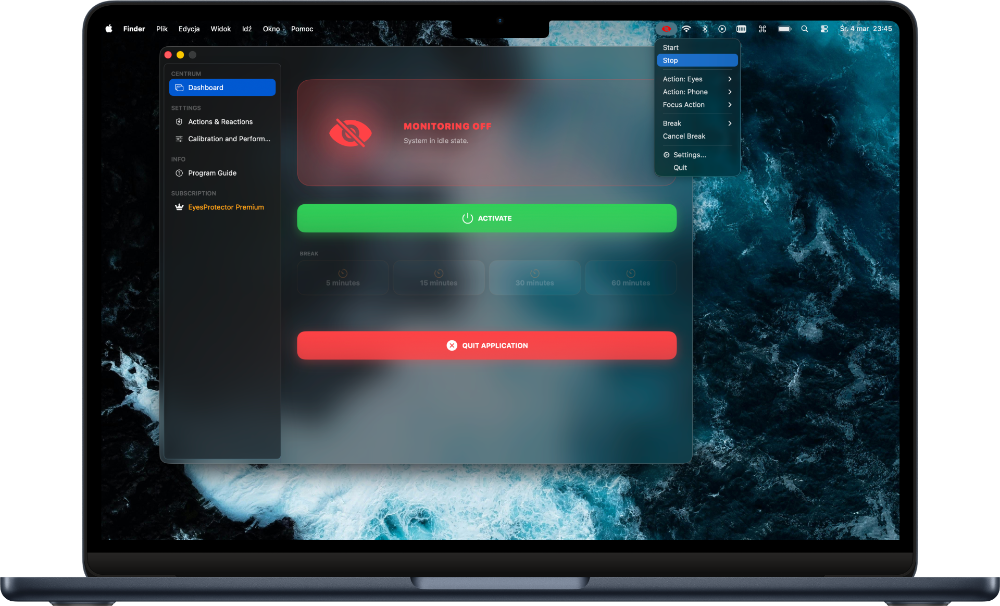
Our mission is to ensure your security wherever you handle sensitive data - from portable MacBooks to large desktop iMacs.

Your privacy. Our mission.

Image analysis occurs entirely locally on your device. No camera data ever leaves your computer.

MacBook Air
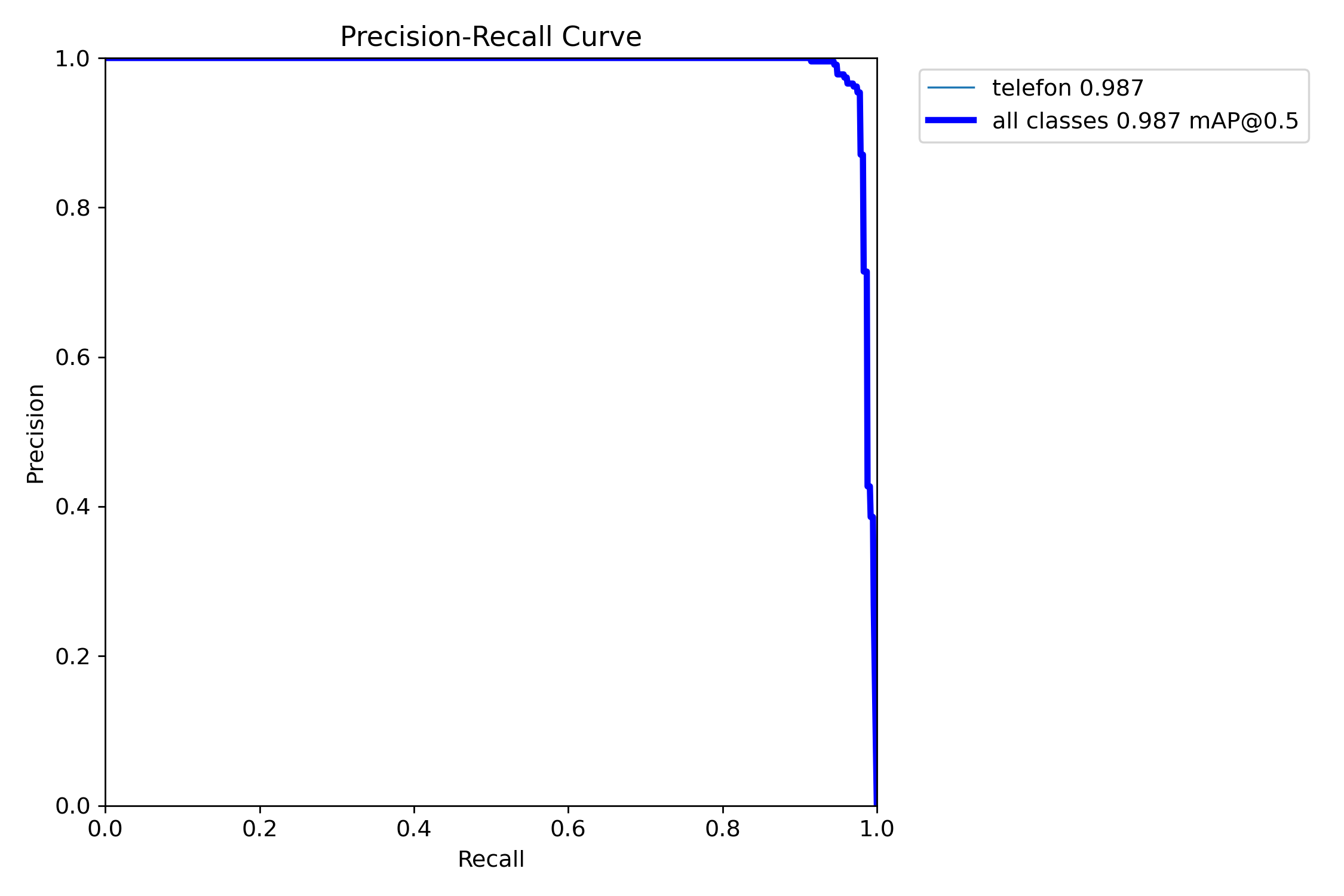
chart

CORE ML TECHNOLOGY

Efficiency 98.7%

The Precision-Recall chart confirms near perfect threat detection quality with zero false positives.

*The graphic shows the real learning process of the Ready 7.0 model

How does this work ?

A block diagram showing how the eyesprotector application works

diagrem-EN
ML

Hybrid Detection

The system operates on two independent neural network models working in parallel for maximum precision.

  • YOLO v3: A global detection standard, optimized for real-time face and silhouette recognition.
  • Ready 7.0: Our proprietary, specialized model, trained on 3,150 images, focused exclusively on mobile device detection.

Apple Optimization

We leverage the full potential of the Apple Silicon architecture, integrating models directly with the GPU and Neural Engine.

  • Core ML: A framework providing lightning-fast inference with minimal power consumption.
  • Swift & Metal: Native implementation guaranteeing stability and peak performance for macOS.

Customize
your
protection.

Alert Screens

Choose which screen or screens should display the alert. "Active screen" refers to the monitor you are currently working on. The discrete animation is exclusive and appears only on the MacBook's built-in display.

Snooze Duration

Snooze duration determines the time interval between dismissing an alert with the 'OK' button and the next potential alert.

Eyes noticed !!!
OK?

Focus Mode

This mode activates automatically when you step away from your computer. Your selected action will trigger after a few seconds of absence.
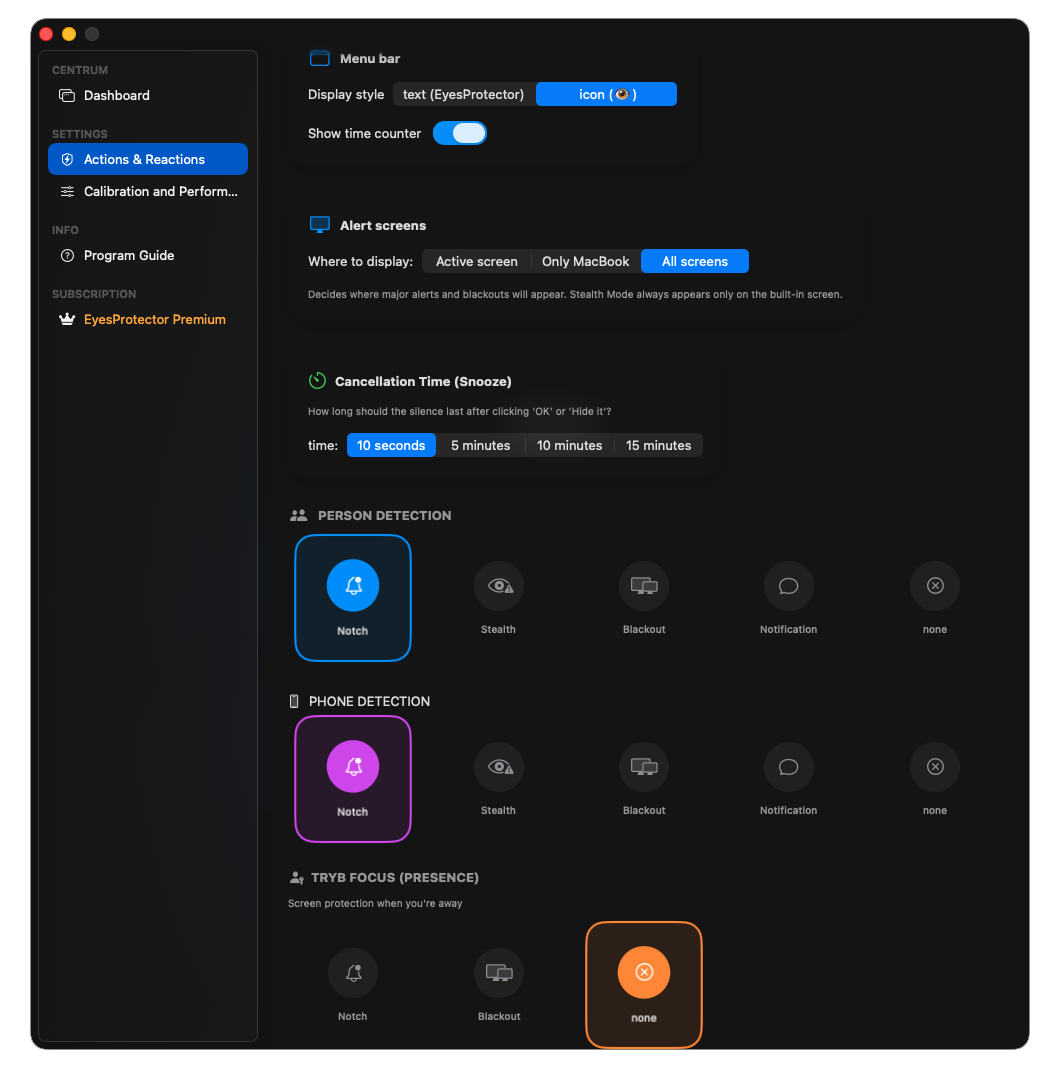
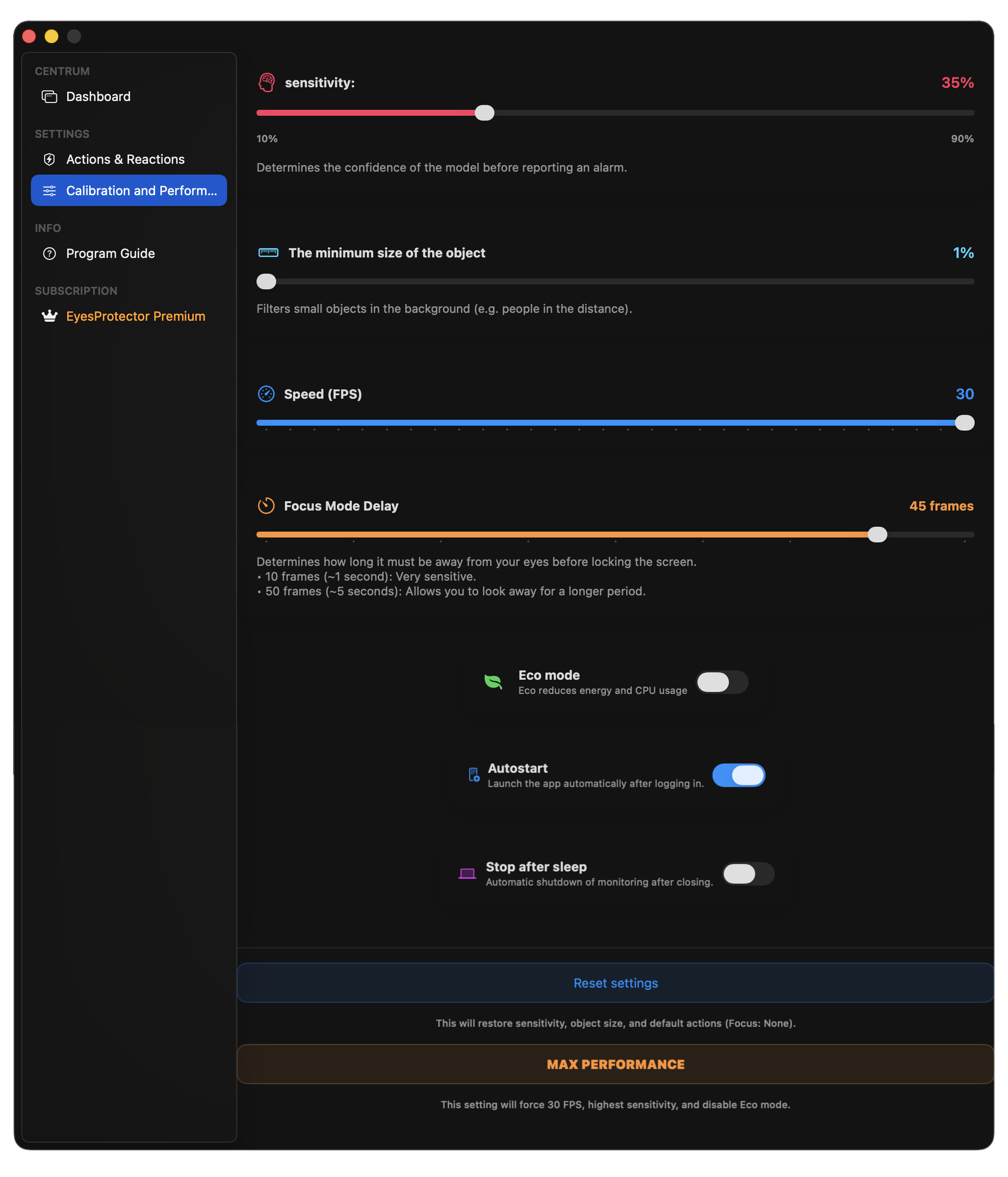
EyeProtector Settings Interface

Alert Screens

Choose which monitors should display notifications. "Active screen" refers to the display you are currently working on. Stealth Mode is unique and appears exclusively on the MacBook's built-in display.

Snooze Duration

Determines the silence interval between dismissing an alert with the "OK" button and the next potential notification.

Focus Mode

This feature activates automatically when you step away from your computer. Your selected action will be triggered after a few seconds of your absence.

FOCUS ACTIVE !!!

Why EyesProtector?

Feature EyesProtector Standard AI
Data Location 100% On-Device (RAM) Cloud Processing
Phone Detection Ready 7.0 Model None
Person Detection YOLO v3 Model None
CPU Usage Low (Neural Engine) Very High
Camera Privacy No images stored Server leak risk
Offline Work Yes No

FAQ

Is my data safe ?

Yes. The application processes images exclusively in RAM and never uploads them to the internet, saves them to the disk, or sends them anywhere else.

How does this work ?

EyesProtector utilizes two machine learning detection models that run locally on your computer.

Why doesn't EyesProtector use cloud-based AI ?

Because it would be technically more complex, less efficient, and less stable. EyesProtector avoids cloud AI to prioritize user privacy and maximum security.

Does it work on older MacBooks ?

Yes, the application is optimized for Apple Silicon M-series processors. For various hardware configurations, you can adjust the performance settings directly in the app, as it was designed to be as universal as possible.

The future of the project

If there is significant interest in the project, a physical version equipped with a dedicated built-in chip will be developed.

About the creator

Hi, I'm Mikołaj. I'm 19 years old and I wrote EyesProtector. The project took 3 months and 15 days to complete, during which I developed 63 versions of the software and 15 versions of this website. EyesProtector is written natively in Swift and was originally developed in Polish.

Have questions or need help?

Write to us. We will respond as soon as possible.